PROJECT 04 / Asset & inventory management
Asset Management System PT ITCI Kartika Utama.
A web-based internal system for organizing company assets, inventory records, and QR Code-based asset identification.
- Organization
- PT ITCI Kartika Utama
- My role
- Web application development & internal deployment
- Focus
- Asset records, inventory & QR Code identification
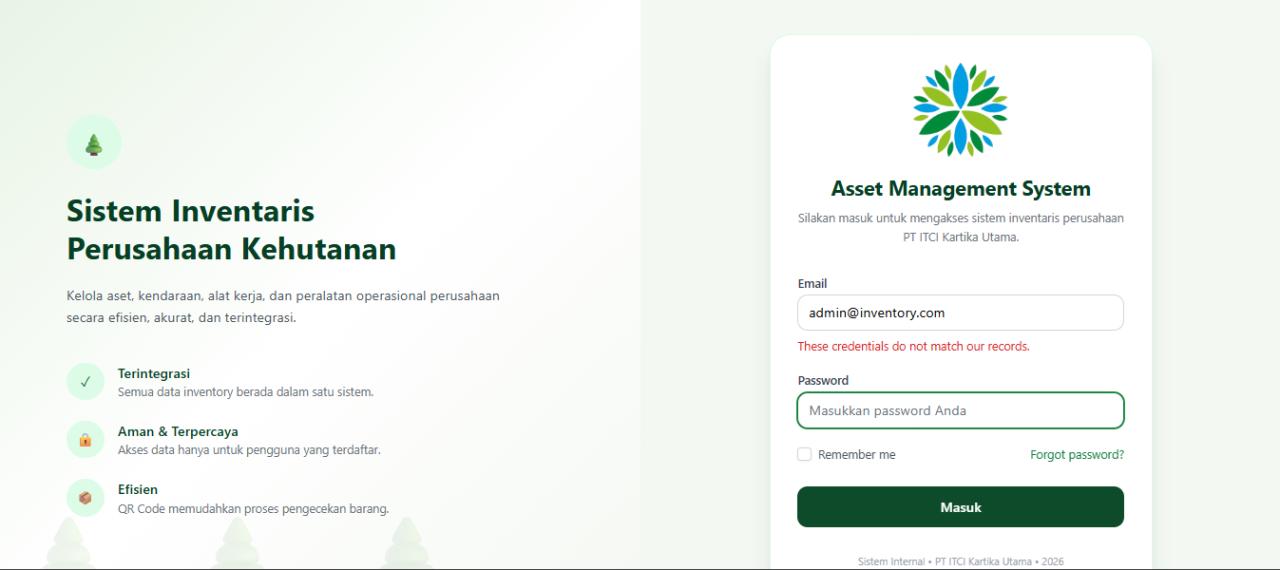
OVERVIEW
Company assets.
One accessible inventory.
I developed a web-based Asset Management System for PT ITCI Kartika Utama to support digital asset and inventory management within the company. It brings records for vehicles, motorcycles, speedboats, heavy equipment, IT inventory, and other operational equipment into a more structured and accessible internal workspace.
Operational assets vary.
Their records need structure.
Company assets span several operational categories and need reliable information for everyday management. The challenge was to centralize asset records, images, and category information while making individual items easy to locate, identify, and report on without relying on fragmented manual records.
A diverse asset catalogue
Create a structured inventory that can represent vehicles, motorcycles, speedboats, heavy equipment, IT inventory, and other operational equipment.
Fast asset identification
Make each physical asset easier to identify and review when users need its profile in the field or during an inventory check.
Practical inventory reporting
Keep records searchable and available for Excel export so inventory information can support administrative reporting.
From asset records
to QR identification.
The system provides category dashboards, CRUD asset management, image uploads, and Livewire-powered real-time search. Each asset receives a QR Code that can be printed as a sticker and scanned to display its profile, while Excel export supports inventory reporting from the same centralized data.
From asset record to field identification
A high-level view of how asset information is maintained, identified, and prepared for reporting.
- 01 Create asset record
- 02 Assign category & details
- 03 Upload asset image
- 04 Generate QR Code
- 05 Print QR sticker
- 06 Scan to open asset profile
- 07 Search & update inventory
- 08 Export Excel report
Category-based asset dashboard
View inventory by vehicles, motorcycles, speedboats, heavy equipment, IT inventory, and other operational categories.
Asset data & image management
Create, update, and manage asset records with supporting images through a structured CRUD workflow.
Livewire real-time search
Find asset information quickly through responsive search interactions within the internal application.
QR Code generation
Generate an individual QR Code for each asset to connect the physical item with its digital profile.
QR scanning & sticker printing
Scan QR Codes to display asset profiles and print QR Code stickers for use on physical inventory.
Excel inventory export
Export inventory data to Excel to support reporting and administrative follow-up.
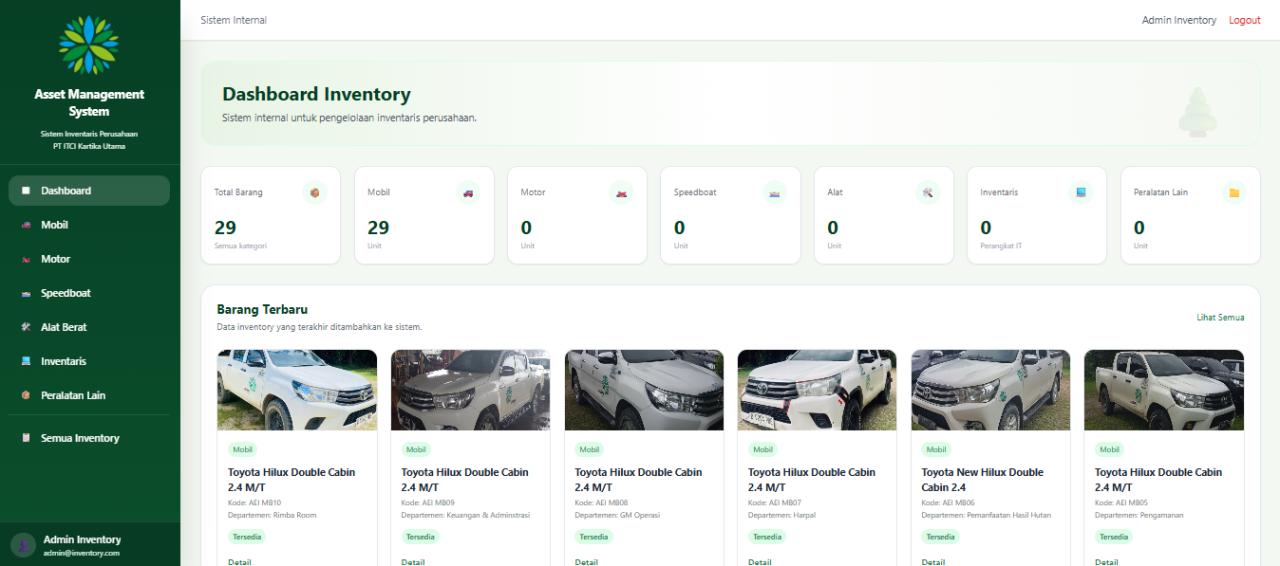
The dashboard summarizes inventory by category and highlights recently recorded assets for quicker review.
More accessible inventory.
More efficient asset checks.
The result is a centralized internal workspace that gives the company a more structured way to manage records, find assets, and connect physical inventory to digital information.
Centralized asset information
Asset details and images are managed within one application instead of across separate records.
Faster asset lookup
Real-time search and QR Code scanning make asset profiles easier to retrieve when needed.
A structured inventory catalogue
Category-based records provide a clearer view of operational equipment and company inventory.
Reporting-ready data
Excel export provides a practical path from current inventory records to administrative reporting.
Built with Laravel.
Hosted on the internal NAS.
Built with Laravel, Tailwind CSS, Livewire, and MySQL, then deployed to a Synology NAS as an internal company server.
| Technology | Role in the system |
|---|---|
| Laravel | Application framework and inventory workflows |
| Livewire | Real-time search and interactive administration |
| Tailwind CSS | Styling and responsive interfaces |
| MySQL | Relational storage for asset and inventory data |
| QR Code integration | Asset identification, scanning, and sticker printing |
| Synology NAS | Internal company-server deployment |
BEHIND THE WORK
A project by Muhammad Wendra Suryananda.